1 month
A short starting point
$12USD
Total for 1 month
1 simultaneous connection
Device setup guidance
Choose this planIPTV plans for your home
A plan that fits begins with your screens. Compare Vocot’s subscription options, try your setup for 24 hours and get help with the details.
Plans from $12 USD for one month and one connection.
New to IPTV? Start with the essentials.
You do not need a longer subscription to begin exploring. Start with your intended device, the number of screens playing together and the length of time that suits you.
Vocot brings the prices, preparation guides and request forms into one place. If something is unclear, ask before making a commitment.
Understand the serviceSelect how many screens will play at once. Then compare the full USD price for each subscription length.
One connection = one active stream.
All prices in USD.
Showing prices for 1 connection.
A short starting point
$12USD
Total for 1 month
1 simultaneous connection
Device setup guidance
Choose this planTime to settle in
$29USD
Total for 3 months
1 simultaneous connection
Device setup guidance
Choose this planMake it part of your routine
$39USD
Total for 6 months
1 simultaneous connection
Device setup guidance
Choose this planPlan for the year ahead
$59USD
Total for 12 months
1 simultaneous connection
Device setup guidance
Choose this planNeed more than five connections? Ask about a custom plan No payment is taken on this website.
| Connections | 1 month | 3 months | 6 months | 12 months |
|---|---|---|---|---|
| 1 | $12 | $29 | $39 | $59 |
| 2 | $20 | $49 | $69 | $99 |
| 3 | $28 | $69 | $99 | $139 |
| 4 | $36 | $89 | $129 | $179 |
| 5 | $44 | $109 | $159 | $219 |
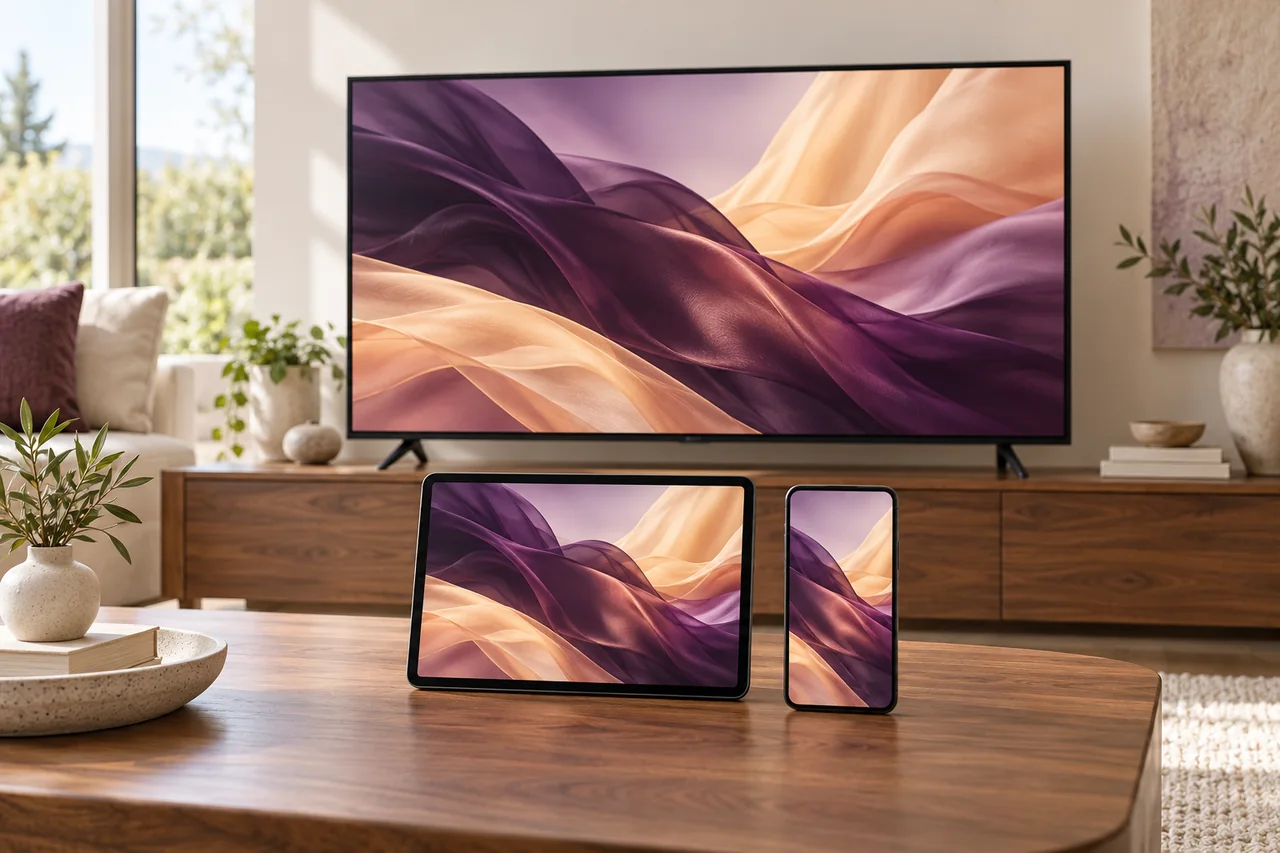
A television brand or app name is only part of the picture. Find the model, software version and intended player, then follow the guide for your device family.
Check compatibility detailsFollow the preparation stepsUse the 24 hours to answer your own questions: does the player work on your device, are the controls comfortable, and what happens during normal use?
Request a 24-hour trialPlan your trial checksSend your device and reply email using the form. Support confirms the trial window and preparation details.
Check picture, sound and navigation on the screen and connection you intend to use.
Ask about anything unresolved, then compare the duration and connection count you need.
Fourteen guides help you prepare, compare costs and describe a problem clearly.
Keep price, activation, player costs and renewal details together before you proceed.
Use the question sheetCheck more than whether the player opens. Make a record of the everyday details that matter.
Open the trial checklistCheck the selected output and describe what changes before adjusting unfamiliar settings.
Read the sound guideAsk a question, request a trial or choose a subscription directly on this website. Enter an email address you check; you do not need to open a separate email app.
We reply to that address with the next steps. You can also use WhatsApp or live chat when you prefer a conversation.
Get to know Vocot
Straight answers about plans, trials and requests.
One connection means one active stream at a time. If two people need to watch on separate screens at the same time, choose two connections. Installing a player on several devices does not add simultaneous connections.
Compare connection optionsThe amount shown is the total in USD for the selected subscription period. For example, one connection for 12 months costs $59 USD for the full period. Confirm any separate player fee and applicable payment details before committing.
See all pricesVocot offers a 24-hour free trial. Send your device and country details to request access. Support confirms the start time and setup instructions; submitting a request does not automatically start the trial.
Request your trialThe exact TV model, operating system, region and player app determine compatibility. Check those details before choosing a plan or buying equipment.
Check your deviceChoose your plan and submit your details directly on this website. We receive the request by email and reply to the address you provide. Support confirms compatibility and the payment and activation process. This website does not take payment or automatically activate an account.
Submit a requestCompare the plan options or tell us what you would like to check.